Building a Frontend App with Open Source AI Agents
Written by
Graham Neubig
Published on
Building a Frontend App with Open Source AI Agents
I consider myself a pretty good Python programmer. I can architect systems, build backend servers, train models, etc. One thing that I'm not super-good at, though, is frontend development. Many times I've wanted to show off a project that includes a cool UI or build a tool that would be helpful for my own workflow, but I usually hesitate because it would take me too long to crank one out.
Luckily, with the help of recent AI tools, that barrier has significantly lowered, and it's now possible to build practical frontend apps, almost entirely automatically. In this post I'll demonstrate how I built a frontend for a GitHub Pull Request viewer using OpenHands, the open-source AI agent for software development that we're building at All Hands AI.
The GitHub PR viewer is an example of something that's simple but practical -- it allows me as a developer to view all open PRs across my team's GitHub repositories, and it would have been a pain to build manually, but with OpenHands it took around 30 minutes to go from nothing to something that actually worked and even had a few bells and whistles.
If you want to take a look at the code that the agent built, you can find it here.
Step 1: Setting the Foundation
I began by providing OpenHands with a detailed prompt, outlining the specific requirements for the app.
I want to create a React app to view all of the open pull
requests that exist on all of my team's github repos. Here
are some details:

1. Please initialize the app using vite and react-ts.
2. You can test the app on the https://github.com/OpenDevin/
   github org
3. I have provided a github token in the .env file (the
   variable name is GITHUB_TOKEN)
4. It should have a dropdown that allows me to select a
   single repo within the org.
5. There should be tests written using vitest.

When things are working, initialize a github repo, create
a .gitignore file, and commit the changes.
A few notes about this prompt:
-
This prompt was intentionally detailed. While AI agents have come a long way, they can sometimes make suboptimal implementation decisions. By breaking down the requirements, I ensured that OpenHands would choose the right path for our project, using the specific tech stack that I'm intereted in (react + vite + typescript).
-
By default the agent doesn't have credentials to access the github api, so I added the token to the .env file, which gives it access. Fortunately, GitHub has very nice personal access tokens that make it easy to create a token with the right permissions so you don't have to give the agent access to repositories in ways that you don't want to. I put this token in a
.envfile in the OpenHands workspace directory, so the agent can access it. -
I asked the agent to do testing. This is important because agents have the ability to go back and check if the code is working properly, resolve library issues, etc. But they might not do it unless you ask them to.
I let OpenHands do its thing and in a few minutes it had created the repo, initialized the git repo, and added the initial code. Tests passed, and I got something that looked like this:

Um yeah, that's a blank screen. Something is wrong, and unfortunately the agent didn't catch it so I'm going to have to give it a little help.
Step 2: Debugging with AI
While I'm not a huge fan of frontend development, I do know enough to open up the browser and see what's going on. So I fired up the repo (according to the instructions that OpenHands had kindly provided in the README.md), opened up Chrome, went to the developer console, and saw this:
PullRequestViewer.tsx:8
Uncaught ReferenceError: process is not defined
at PullRequestViewer.tsx:8:37
Based on this, I reported this issue back to OpenHands by copying it in the chat window, and asked for a fix. This was enough to put the agent back on the right track, and it quickly came back with a fix. Let's try again and see what we get.
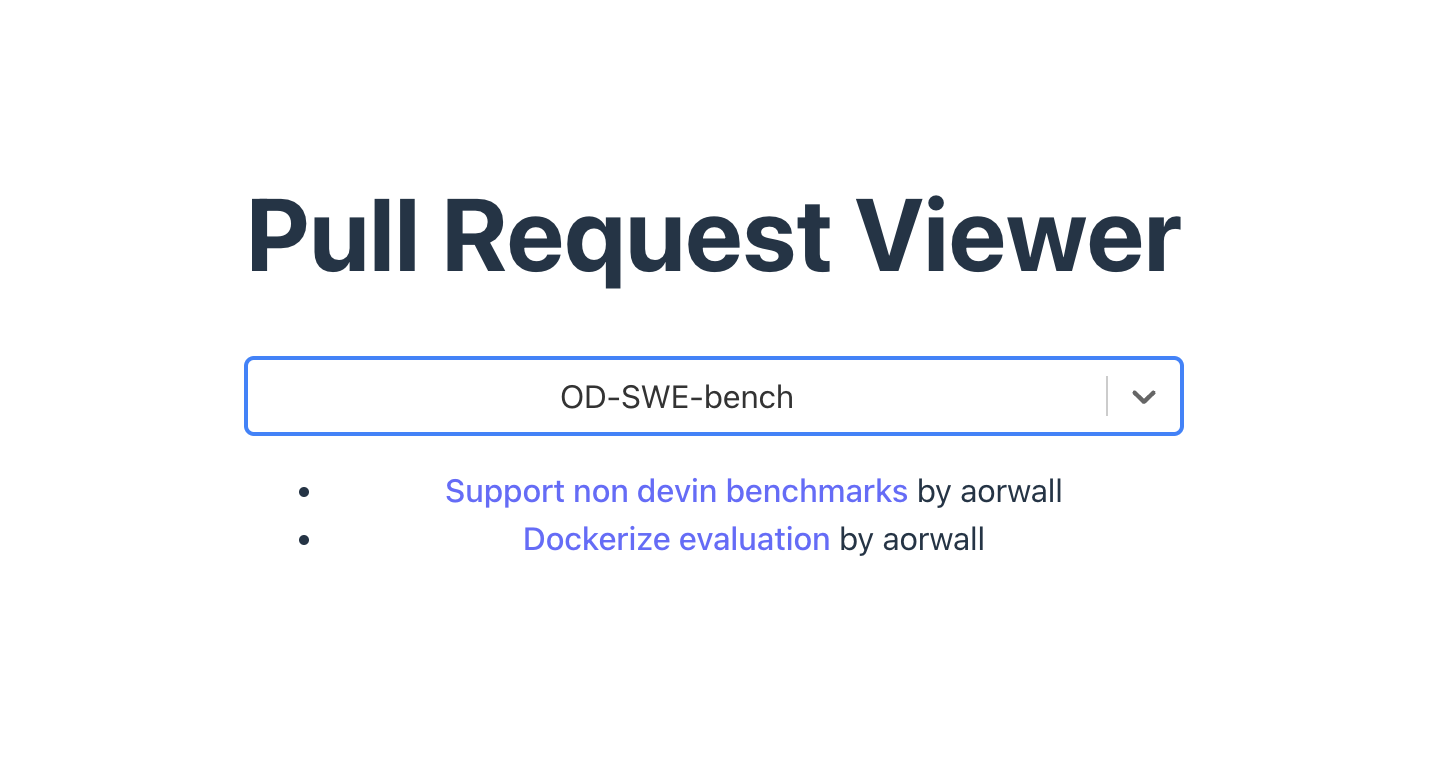
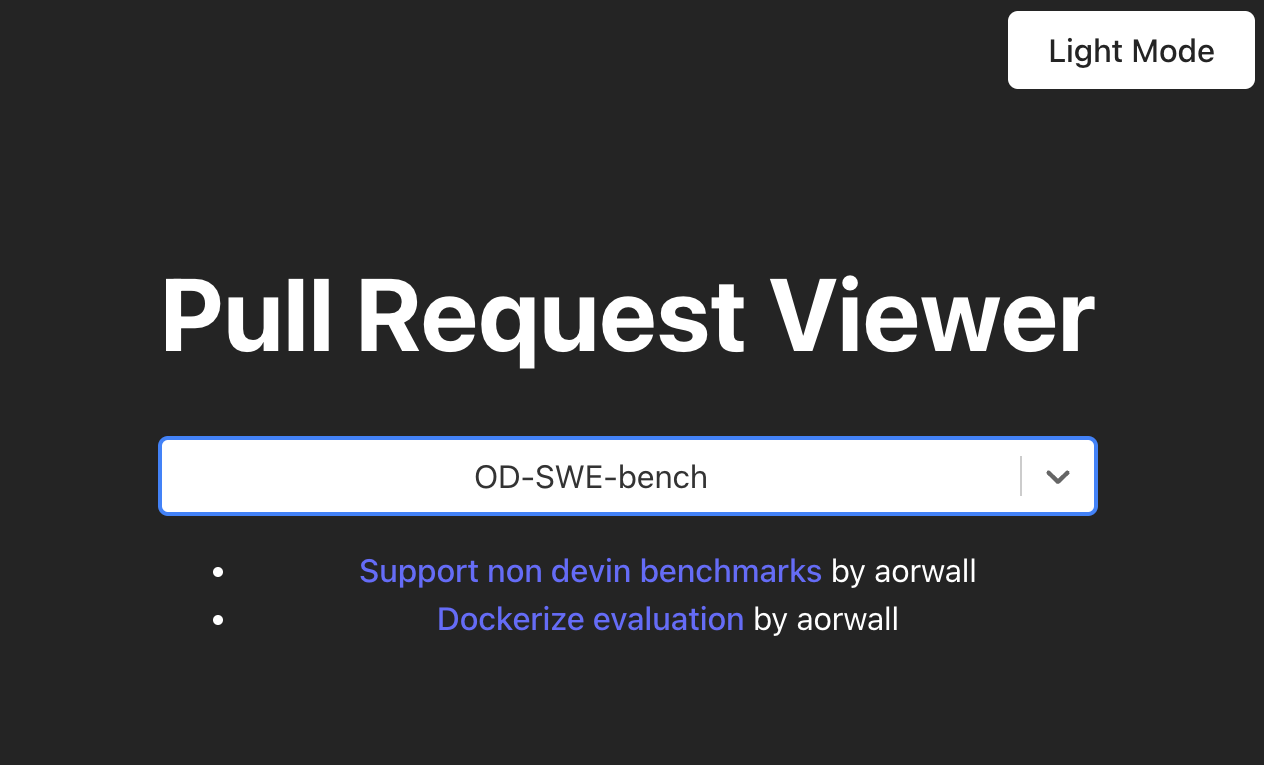
It's a functioning app! This is exactly what we wanted, pretty exciting to get this in just about 10 minutes of work (and drinking coffe while the agent does its thing).
Step 3: Fixing Bugs: API Pagination
However, on closer inspection I noticed that the app was only displaying 10 PRs per repo. This seemed like an API limitation, so I asked OpenHands to modify the backend to retrieve all PRs by default.
It seems that instead of displaying every single open PR,
the viewer is only showing about 10 PRs, possibly due to
pagination. It would be good if we could fix this, by
modifying the backend to retrieve all pull requests by default.
OpenHands managed to fix this pretty quickly, so I pushed the resulting code and the app was fully functional.
Step 4: Adding Functionality: Dark Mode
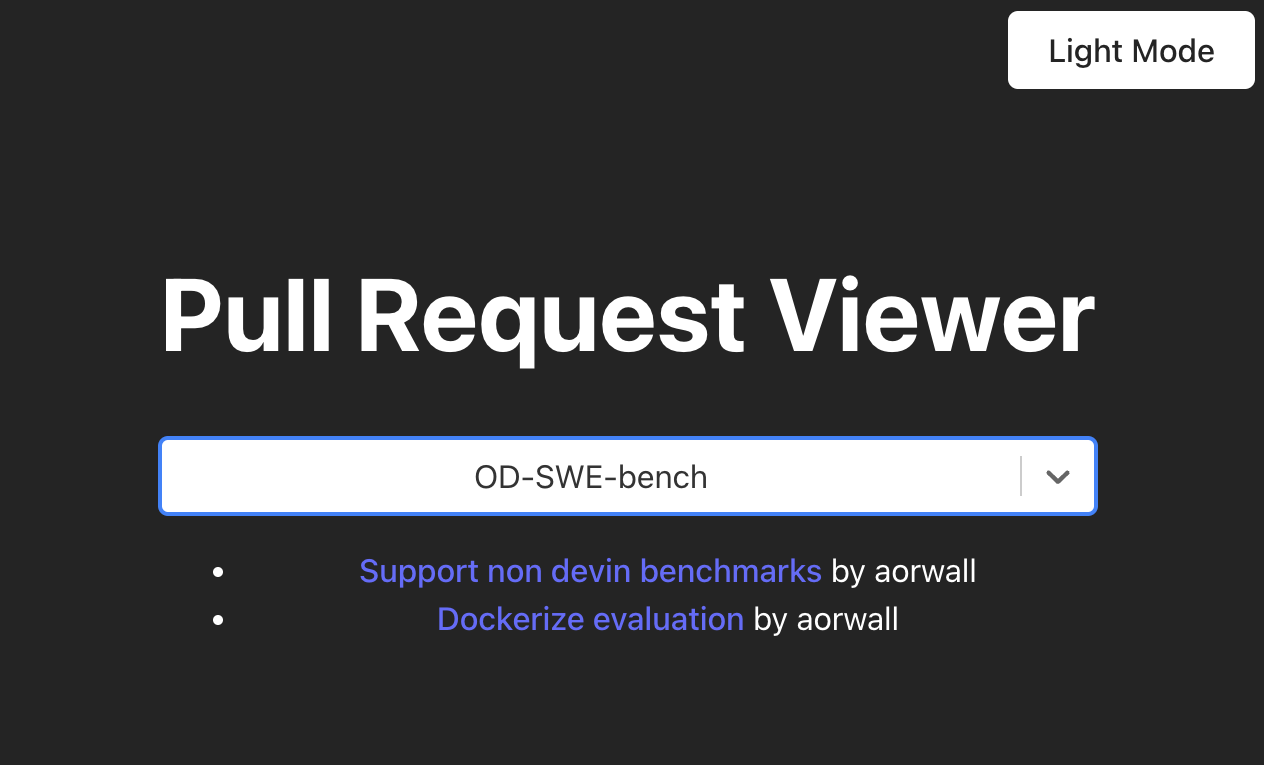
Already, the app looked decent -- it was simple and followed React best practices. But I also like having dark mode for when I'm working in dim places, with a simple prompt below.
It'd be nice if this app could also support dark mode, we can
add a toggle that can turn on dark mode.

This would require adding a toggle that switches between the
different modes to JS, and modifying the css file.
The resulting code worked out of the box, and I was able to toggle dark mode on and off with no issues.
Step 5: Open-Sourcing the Project
Finally, I'm a firm believer in the power of open-source software, so I wanted to ensure our project was properly licensed. A simple prompt to OpenHands took care of this:
We can license this repo under the MIT license.
Conclusion
Overall, the resulting app was pretty simple, but it demonstrated how you can go through the steps of building a frontend app with open-source AI agents. Note that this was an iterative process -- there were hiccups that required debugging. And we also didn't get a perfect app out-of-the-box. But using an appropriate agent like OpenHands, you can quickly iterate on ideas and build something that works pretty well.
What's particularly exciting is the potential this holds for developers across all specializations. AI agents like OpenHands can help bridge skill gaps, allowing developers to venture into areas outside their comfort zones with greater confidence.
If you're interested in trying out OpenHands, download the project here and get started right away, or try it online at OpenHands Cloud.
Acknowledgement: I'd like to thank Bryan Finster of Defense Unicorns for his original inspiration for the app featured here.


Get useful insights in our blog
Insights and updates from the OpenHands team
Sign up for our newsletter for updates, events, and community insights.
OpenHands is the foundation for secure, transparent, model-agnostic coding agents - empowering every software team to build faster with full control.



